
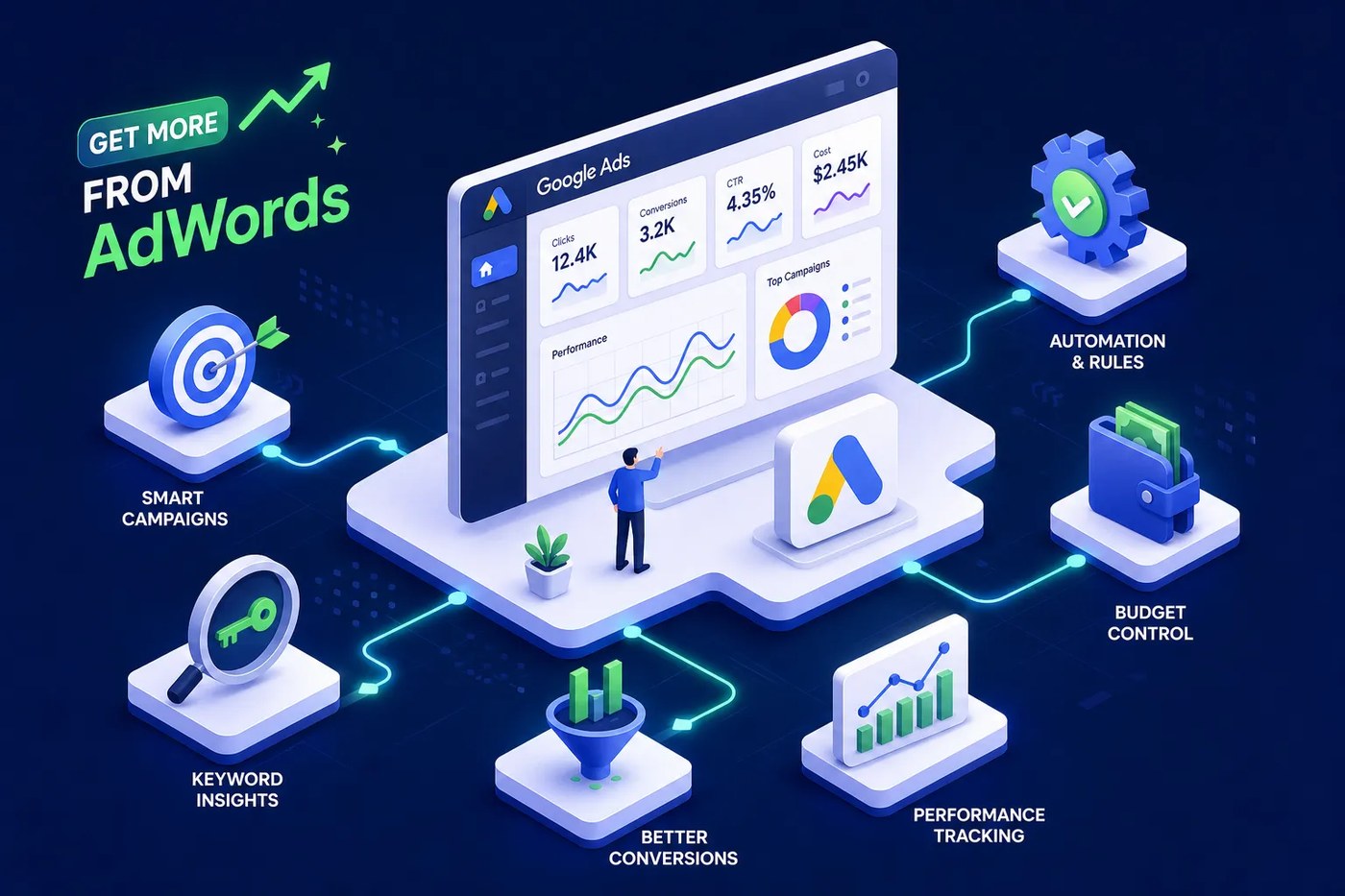
Most advertisers using Google Ads Manager are only scratching the surface of what the platform can do. They set a budget, write a few ads, and check back every couple of weeks. The businesses pulling the strongest returns, including clients we work with here at The Matador Group in Houston, run a completely different playbook. They use smart bidding logic, granular audience controls, and reporting dashboards that show exactly where money is being made and where it’s being wasted. This article breaks down the AdWords manager features worth your attention: what each one actually does and how to use it effectively, rather than just knowing it exists. Whether you’re managing campaigns yourself or deciding whether to bring in help, understanding these Google Ads manager features changes how you think about paid search.
Smart bidding strategies that actually move the needle
Manual CPC bidding treats every auction the same. You set a bid, Google enters that bid, and the auction plays out. Smart bidding works differently. Google’s machine learning reads thousands of real-time signals at the moment of each auction, device type, time of day, location, search intent, and audience behavior, then adjusts the bid accordingly. The result is a bid that’s more accurate for that specific user in that specific moment than any number you could set manually.
The four main smart bidding strategies each serve a different goal. Target CPA works best for lead generation, where every conversion has roughly equal value. Target ROAS is the right choice for e-commerce, where you want to optimize toward revenue rather than volume. Maximize Conversions pushes for as many conversions as possible within your budget, without a specific cost target. Maximize Conversion Value prioritizes total revenue over conversion count. Each strategy requires enough data to perform reliably, typically 30 to 50 conversions in a 30-day window before the algorithm has enough signal to make good decisions.
When you switch bidding strategies or make a significant change to an account, the algorithm enters a learning period, usually one to two weeks. During this window, performance can look inconsistent. Avoid making large budget changes or pausing high-volume ad groups during the learning phase, those moves reset the learning clock and extend the instability. Give the algorithm time to collect data before drawing conclusions from early results.
Keyword controls that sharpen who sees your ads
Match types and negative keywords
Broad match in 2026 is far more aggressive than it was a few years ago. Google’s AI can now expand a broad match keyword to reach queries that don’t share a single word with your original term. That’s not inherently bad, but it only works when paired with smart bidding and a disciplined negative keywords list. Without those guardrails, broad match bleeds budget on irrelevant traffic. Phrase match gives you more intent control, while exact match locks you into high-intent searches with precision. Relying on any single match type is a mistake. Most well-structured campaigns use a combination.
Your negative keywords list is one of the most important assets in the account. It filters out search queries that waste spend, and building it is an ongoing process, not a one-time setup. Pull the search terms report weekly. Look for queries that triggered your ads but have no business converting: wrong service, wrong geography, wrong intent. Add those as negatives immediately. Understand the difference between exact negatives and phrase negatives, and know that campaign-level negatives block traffic differently than ad group-level negatives. A sloppy negative list can accidentally suppress good traffic alongside bad.
Using Keyword Planner as a discovery tool
Keyword Planner is one of the most underused discovery tools in the platform. It surfaces new keyword ideas alongside volume estimates and competition data. Use it to find clusters of high-intent terms that competitors may have overlooked, particularly longer-tail queries where the cost per click is lower but conversion intent is strong. Those gaps represent real budget efficiency if you catch them first.
Audience targeting tools most advertisers overlook
In-market audiences are users Google has identified as actively researching a specific category based on their recent search and browsing behavior. The key word is “recently.” These aren’t broad interest segments, they’re people who are in buying mode right now. The most effective way to use them in search campaigns is as a bid adjustment layer on top of your existing keywords, not as standalone targeting. A home services business, for example, can layer “in-market for home improvement” onto their core keywords and bid higher when a user matches both criteria.
Customer Match and remarketing lists for search ads (RLSA) are two of the most underutilized AdWords manager features in the platform. Customer Match lets you upload a CRM list of existing contacts and target them directly in search. RLSA lets you apply different bids or show different ad copy to users who have already visited your site. Used together, they let you prioritize high-value audiences: bid more aggressively for known customers who are searching again, and differentiate messaging for site visitors who showed intent but didn’t convert. In accounts we manage at The Matador Group, combining Customer Match with RLSA consistently produces stronger conversion rates than either tactic alone.
Audience exclusions deserve as much attention as inclusions. Excluding converted customers from acquisition campaigns, for instance, prevents you from paying to convert someone who already bought. Excluding segments with no purchase intent keeps spend focused on the audiences that matter. These small exclusions compound over time into significant budget savings.
Performance dashboards that reveal what’s actually working
The default Google Ads overview mixes meaningful data with vanity metrics. Click-through rate and impressions tell you very little about campaign health. Build a custom dashboard around the metrics that connect to actual business outcomes: cost per conversion, conversion rate by campaign, impression share, and search impression share lost to budget. Tracking a small set of leading indicators consistently is far more useful than monitoring 20 metrics that send you in different directions.
The search terms report is the most direct window into what’s actually triggering your ads. Run it regularly and treat it as both a negative keyword source and a keyword discovery tool. New high-intent queries show up here before you’ve thought to add them as keywords. Auction Insights is a companion report worth checking monthly. It shows how your campaigns compare to competitors on impression share, overlap rate, and position above rate, benchmarks that reveal where you’re winning and where you’re getting outbid.
Our team at The Matador Group uses scheduled reports and automated performance alerts on every account we manage. When conversion rate drops, budget pacing goes sideways, or quality scores shift, an alert catches it before it compounds into a larger problem. Setting these up takes less than 10 minutes and eliminates the need to manually check accounts every day.
Conversion tracking and attribution that close the loop
Tracking the right actions
The most common conversion tracking mistake is tracking the wrong things. Many advertisers track button clicks or page views and call them conversions. Smart bidding reads that data and optimizes toward it. If what you’re measuring doesn’t represent a real business outcome, the algorithm chases the wrong signal and performance suffers. Tag primary conversions separately from secondary actions. Form submissions, phone calls, and purchases belong in a primary conversion column. Soft engagement metrics should be tracked separately but excluded from bidding data.
Data-driven attribution is now the default for most Google Ads accounts, and for good reason. Last-click attribution gave all the credit to the final ad click before a conversion, which systematically undervalued the keywords and ads that influenced earlier stages of the decision. Data-driven attribution distributes credit across the full conversion path based on observed patterns in your account. This matters for bidding because it surfaces keywords that assist conversions rather than close them, and those keywords deserve budget too.
Offline conversion imports for service businesses
For service businesses where the actual sale happens offline, offline conversion imports are essential. A user clicks your ad, fills out a form, and becomes a lead in your CRM. Three weeks later, that lead becomes a signed client. Without offline conversion imports, Google Ads sees only the form fill. With them, the closed deal flows back into the account and Smart Bidding learns to optimize toward revenue rather than just form submissions. The setup requires capturing a Google Click ID at the time of the form fill and uploading closed deals within 90 days.
Automation rules that reduce manual work without losing control
Automated rules handle the repetitive work that would otherwise eat hours each week. The most practical setups include:
- Pausing keywords that have spent past a threshold without converting
- Increasing budgets for campaigns that hit their daily cap before noon
- Reducing bids when CPA climbs too high
- Sending email alerts when performance crosses a defined threshold
None of this requires coding. It’s all built directly into the Google Ads interface.
For accounts with larger budgets or more complex structures, scripts take automation further. High-value use cases include automatically labeling top-performing search terms, pausing keywords that haven’t converted in 60 days, and generating weekly performance summaries. Scripts require some JavaScript familiarity, but free templates are widely available, and even a basic script that sends a spend alert can prevent significant waste.
Automation handles execution at scale, it doesn’t replace the strategic judgment required to evaluate offer positioning, landing page quality, or audience strategy. Pairing automation for routine tasks with skilled human oversight for decisions that require context is what separates consistently profitable accounts from ones that plateau.
Getting the most out of these Google Ads manager features
The AdWords manager features covered here aren’t reserved for enterprise accounts with massive budgets. Smart bidding, keyword controls, audience targeting, conversion tracking, and automation rules are available in every Google Ads account. The gap between advertisers who use them well and those who don’t comes down to configuration, consistency, and the ability to read what the data is actually saying.
Getting these right takes time, iteration, and regular attention to the account. For small business owners who would rather focus on running their business than optimizing ad campaigns, working with a team that specializes in Google Ads management is often the faster, more direct path to results. At The Matador Group, we combine deep platform experience with AI-powered optimization to help Houston-area businesses get more from their paid search budgets.
If your current campaigns are producing inconsistent results, or you’re not sure whether your setup is capturing the opportunities covered in this article, reach out to our team. We’ll take a close look at your account structure, bidding strategy, and conversion tracking to identify exactly where performance can improve.

Want the numbers on your own account? Thirty minutes, free. We look at your accounts, your creative and your spend, and tell you the three things we’d change first - whether you hire us or not. And every client is covered by our No Bull Guarantee, including full access to your own ad accounts.
Book my free consultation